
In 2026, cybersecurity is no longer optional—it’s the foundation of professional success, especially for freelancers navigating remote work, client collaborations, and digital tools. With AI-powered threats like adaptive phishing and quantum-resistant encryption demands on the rise, freelancers face unique risks: unsecured Wi-Fi during coffee shop gigs, shared client files, and constant data sharing. A single breach can cost thousands in lost income or reputation damage. We will cover cybersecurity for 2026 equips freelancers with essentials like two-factor authentication (2FA), VPNs, and phishing defense.
Why Cybersecurity Matters for Freelancers in 2026
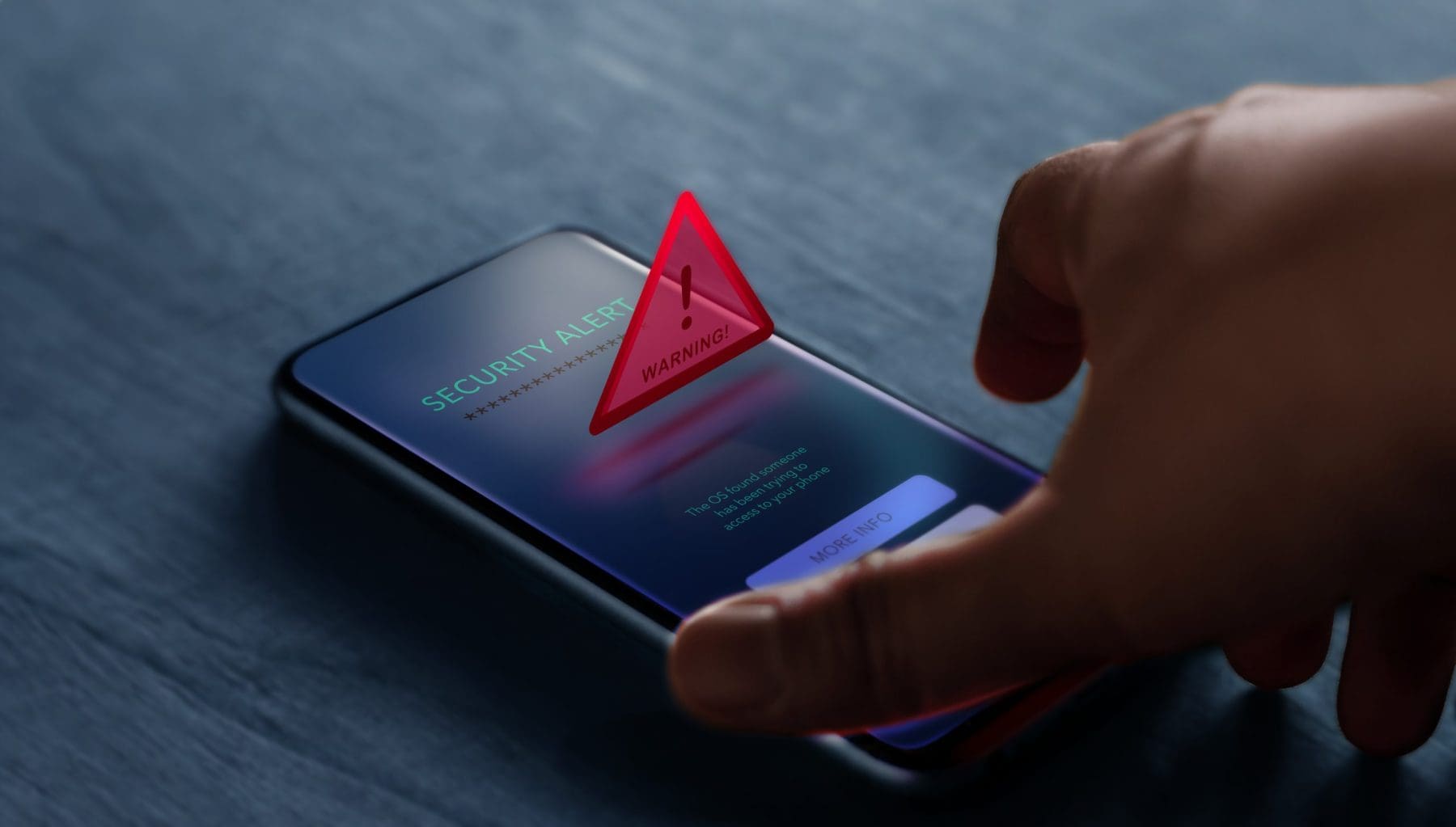 Freelancers are prime targets in 2026’s threat landscape. With 50% of breaches targeting small operations, according to global reports, unsecured devices or networks can lead to data leaks, ransomware, or identity theft. Strong cybersecurity isn’t just defense—it’s a competitive edge. It builds client confidence (e.g., “This freelancer handles my sensitive data securely”) and saves time on recovery.
Evolving Threats
- AI-Enhanced Phishing: Emails that mimic trusted clients with personalized details.
- IoT Vulnerabilities: Smart devices like webcams or routers as entry points.
- Supply Chain Attacks: Third-party tools (e.g., freelancing platforms) compromised.
1. Assess Your Current Security Posture
Before diving in, evaluate your setup.
Step-by-Step Audit
- List Devices: Inventory laptops, phones, tablets—note OS versions (e.g., Windows 11, iOS 20).
- Check Accounts: Review passwords for strength (use Have I Been Pwned? to scan for breaches).
- Scan Networks: Use free tools like Fing to map home Wi-Fi devices.
- Test Phishing Susceptibility: Take a quick quiz on PhishMe or KnowBe4.
2. Secure Your Devices: The Freelancer’s First Line of Defense
Devices are your mobile office—protect them rigorously.
Step-by-Step Device Hardening
- Update Everything: Enable auto-updates for OS, apps, and firmware. In 2026, patches address quantum threats.
- Install Antivirus: Use Bitdefender or Norton 360—real-time scanning with AI threat detection.
- Enable Built-In Security: On Windows, turn on BitLocker; on Mac, FileVault for full-disk encryption.
- Biometrics Over Passwords: Use fingerprint or face ID for quick, secure access.
Tools Spotlight
- Malwarebytes: Free scans, premium for real-time protection ($40/year).
- 1Password or LastPass: Manages device logins with autofill.
Freelancer Tip
For travel gigs, use a USB bootable antivirus like Kaspersky Rescue Disk for on-the-go scans.
3. Implement Two-Factor Authentication (2FA) Everywhere
2FA adds a second verification layer, blocking 99% of automated attacks.
Step-by-Step 2FA Setup
- Prioritize High-Risk Accounts: Start with email (Gmail/Outlook), freelancing platforms (Upwork/Fiverr), and banking.
- Choose Authenticators: Use app-based (Google Authenticator, Authy) over SMS for security.
- Backup Codes: Generate and store printed codes in a safe (not digital) spot.
- Audit and Enable: Use 2FA directories like 2fa.directory to check supported sites.
Advanced Hack
In 2026, enable hardware keys like YubiKey for ultimate security—plug-and-tap verification.
Example
A copywriter enabled 2FA on their Upwork account mid-2026. When a phishing attempt hit, the extra code stopped the hacker cold, saving their profile.
4. Use VPNs to Shield Your Networks
Public Wi-Fi at cafes or co-working spaces is a freelancer’s nightmare—VPNs encrypt your traffic.
Step-by-Step VPN Adoption
- Select a Provider: Choose NordVPN or ExpressVPN for speed and 5,000+ servers.
- Install and Configure: Download the app, connect before any public network use.
- Customize Settings: Enable kill switch (blocks internet if VPN drops) and split-tunneling for local traffic.
- Test Speed: Run a leak test on ipleak.net to ensure no DNS exposure.
Tools Spotlight
- NordVPN: Freelancer favorite with Onion over VPN for extra layers ($60/year).
- Surfshark: Unlimited devices, ideal for multi-client setups ($48/year).
Freelancer Scenario
Switch to VPN before uploading client files on hotel Wi-Fi—prevents man-in-the-middle attacks.
5. Defend Against Phishing: The Freelancer’s Silent Killer
Phishing tricks you into sharing credentials—2026’s AI versions are scarily convincing.
Step-by-Step Phishing Defense
- Spot Red Flags: Unsolicited requests, urgent language (“Act now!”), or mismatched URLs.
- Verify Senders: Hover over links (don’t click) and call the sender directly.
- Train Your Eye: Use free simulations from Google’s Phishing Quiz.
- Report and Block: Forward suspects to reportphishing@apwg.org.
Tools Spotlight
- Grammarly Phishing Alerts: Flags suspicious emails in your inbox.
- PhishGuard: Browser extension for real-time warnings.
Daily Habit
Pause 10 seconds before clicking any link—ask, “Does this make sense from this sender?”
Example
A virtual assistant spotted an AI-crafted “client payment” email in 2026—verifying via phone saved their bank account from a $2,000 drain.
6. Encrypt and Backup Sensitive Data
Freelance files (contracts, designs) need ironclad protection.
Step-by-Step Encryption
- Choose Tools: Use VeraCrypt for folders or Signal for chats.
- Encrypt Drives: Full-disk with BitLocker; file-level with 7-Zip.
- Share Securely: Use Proton Drive or Tresorit for encrypted cloud links.
Backup Best Practices
- 3-2-1 Rule: 3 copies, 2 media types, 1 offsite (e.g., external drive + cloud).
- Automate: Backblaze or IDrive for unlimited backups ($60/year).
- Test Restores: Quarterly checks ensure data integrity.
7. Secure Freelance Platforms and Client Tools
Your ecosystem (Upwork, Google Workspace) is only as strong as its weakest link.
Step-by-Step Platform Security
- Unique Credentials: No password reuse—use a manager for each site.
- Monitor Access: Review login history weekly in account settings.
- API Caution: Limit third-party app permissions; revoke unused ones.
Tools Spotlight
- Have I Been Pwned?: Free breach checker.
- Keeper Security: Freelancer-focused password vault with sharing.
Tip
For client tools like Asana, enable SSO (single sign-on) for centralized control.
8. Stay Ahead with Continuous Education
Cyber threats evolve—your knowledge must too.
Step-by-Step Learning Plan
- Daily Reads: Follow Krebs on Security or Dark Reading newsletters.
- Monthly Courses: Free Cybrary modules on phishing or VPNs.
- Simulations: Practice with HackTheBox challenges (beginner level).
2026 Resources
- ISC2 Free Webinars: On quantum threats.
- X Hashtags: #Cybersecurity2026 for real-time tips.
9. Build a Freelancer Incident Response Plan
When breaches happen, speed saves.
Step-by-Step Plan
- Prepare: List contacts (bank, clients, IT support).
- Detect: Set alerts for unusual logins via Google Authenticator.
- Respond: Isolate device, change passwords, notify affected parties.
- Recover: Restore from backups, update insurance.
Tool
Use a simple Google Doc template from SANS Institute.
 10. Foster a Security-First Mindset
Cybersecurity is habit, not hassle.
Daily Affirmations
- “Verify before clicking.”
- “Update before using.”
- “Backup before bed.”
Community
Join freelancer forums on Reddit (r/freelance) for shared tips.
Long-Term Win
Treat security as branding—clients love “secure by design.”
Work Tips I VOC Associates
Visit VOC Associates to gain comprehensive information on work skills. Whether you’re seeking seasoned professionals’ expertise or valuable insights.
10 FAQs for “Cybersecurity for 2026 Success”
1. Why do freelancers need strong cybersecurity in 2026?
Freelancers handle sensitive client data and use public Wi-Fi, making them prime targets for AI-powered phishing, ransomware, and data breaches. A single incident can cost income and reputation.
2. How do I start securing my freelance setup in 2026?
Begin with a quick audit: list all devices, check for outdated software, scan for malware using Malwarebytes (free), and test passwords on Have I Been Pwned?
3. Is two-factor authentication (2FA) really necessary for freelancers?
Yes. 2FA blocks 99% of automated attacks. Enable it on email, freelancing platforms (Upwork, Fiverr), and banking using Google Authenticator or a YubiKey.
4. Which VPN should I use as a freelancer in 2026?
NordVPN or ExpressVPN. Both offer fast speeds, kill switches, and thousands of servers. Use them on public Wi-Fi to encrypt traffic and prevent snooping.
5. How can I protect client files when working remotely?
Encrypt files with VeraCrypt or use secure cloud tools like Proton Drive. Follow the 3-2-1 backup rule: 3 copies, 2 media types, 1 offsite (e.g., Backblaze + external drive).
6. What’s the biggest phishing threat to freelancers in 2026?
AI-crafted emails that mimic trusted clients with personalized details. Always verify senders by phone and hover over links before clicking.
7. Which password manager is best for freelancers?
LastPass or 1Password. They generate strong, unique passwords for every site and autofill securely across devices.
8. How often should I update my devices and software?
Enable auto-updates for OS, apps, and firmware. In 2026, patches fix quantum and AI-based vulnerabilities—never skip them.
9. What should I do if I think I’ve been hacked?
Follow your incident response plan: isolate the device, change all passwords, notify clients/banks, and restore from a clean backup. Act within minutes.
10. Can I learn cybersecurity without being tech-savvy?
Yes. Start with free resources: Cybrary modules, Google’s Phishing Quiz, and X hashtags like #Cybersecurity2026. Spend 15 minutes daily building habits.
Get In Touch
Get in touch with our medical and dental equipment experts. VOC understands this challenge and provides customized planning and transition services to minimize the impact to your team and ensure a successful outcome.
Contact Info



 CALL US TODAY