
Artificial intelligence has moved from “interesting experiment” to an everyday tool. It can draft emails, summarize meetings, generate code, analyze documents, and help teams brainstorm faster than ever. But the same power that makes AI useful can also make it risky. If you treat AI like an all-knowing employee, you’ll eventually ship incorrect information, expose sensitive data, or make decisions you can’t properly explain.
Using AI responsibly and effectively doesn’t require fear or hype. It requires the same thing good workplaces already value: clear goals, good judgment, strong processes, and accountability. AI is best viewed as a tool that amplifies human work—not a replacement for human responsibility.
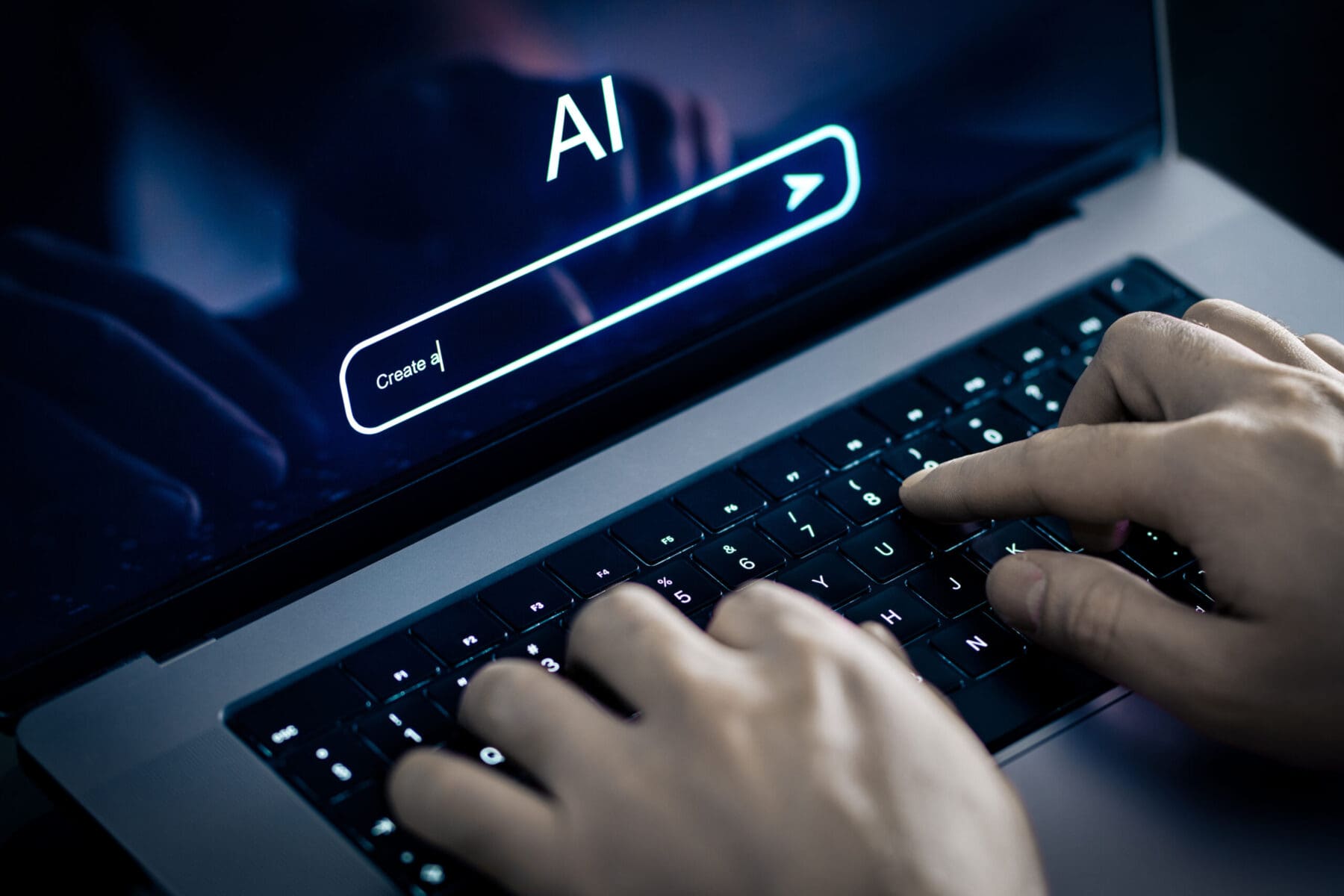 What AI is Good at And What it Isn’t
Before using AI in real work, it helps to understand the kind of “help” it provides.
What AI tends to do well
AI tools are often strong at:
- Drafting and rewriting text: emails, policies, job posts, blog outlines, and internal documentation
- Summarizing information: meeting notes, long reports, ticket threads, and research
- Generating ideas: brainstorming options, titles, campaign angles, or alternative approaches
- Pattern support: helping structure data, propose categories, or surface themes
- Translation and tone changes: simplifying complex text, adapting voice for different audiences
- First-pass assistance: checklists, templates, and starting points for repetitive tasks
What AI is not reliable for
AI can struggle with:
- Guaranteed accuracy: it may sound confident while being wrong or incomplete
- Real-world verification: it doesn’t “know” facts unless you provide them or it’s connected to verified sources
- Confidential judgment calls: high-stakes decisions need human oversight and context
- Sensitive context: relationships, legal nuances, internal politics, or emotional impact
- Accountability: the tool cannot “own” outcomes—you and your organization do
The goal is to use AI where it improves speed and clarity, and to avoid using it as a substitute for truth, safety, or responsibility.
Start With the Right Mindset
A responsible approach begins with one rule:
AI output is a draft—not a decision.
That doesn’t mean it’s useless. It means you treat the output the way you’d treat an early draft from a junior teammate: helpful, often impressive, but requiring review, edits, and verification. Your name on the final deliverable means you’re responsible for:
- accuracy
- privacy
- tone and impact
- compliance
- brand reputation
When teams adopt this mindset, AI becomes a productivity tool instead of a risk generator.
Responsible AI in Different Departments
HR and People Ops
Useful for:
- Drafting job posts
- Rewriting policies for clarity
- Building interview question banks
- Summarizing engagement feedback
Be careful with:
- Personal employee details
- Performance evaluations
- Sensitive investigations
- Decisions that could introduce bias
Best practice: use AI to improve wording and structure, but keep final decisions human and documented.
Customer support
Useful for:
- drafting response templates
- summarizing tickets
- translating messages
- suggesting troubleshooting steps
Best practice: create approved templates and require agents to verify details before sending.
Marketing and content
Useful for:
- brainstorming ideas
- outlines and first drafts
- SEO-friendly structure
- repurposing content into social posts
Be careful with:
- factual claims about products
- competitor comparisons
- unverified statistics
- brand voice consistency
Best practice: use AI for drafts and iterations, then apply human editing and fact-checking.
Engineering and IT
Useful for:
- explaining code
- generating boilerplate
- drafting documentation
- brainstorming edge cases
Be careful with:
- exposing proprietary code
- copying unsafe patterns
- security vulnerabilities
- relying on AI-generated code without testing
Best practice: treat AI like a coding assistant—review, test, and keep security top of mind.
 Building a Healthy AI Culture
The most effective teams don’t just “use AI.” They develop AI literacy.
That means:
- knowing strengths and weaknesses
- being honest about uncertainty
- sharing good prompts and workflows
- learning from mistakes without blame
- keeping humans responsible for outcomes
A healthy AI culture also encourages employees to say:
- “I used AI for a first draft, and here’s what I verified.”
That kind of transparency improves trust and quality.
Work Tips
Visit VOC Associates to gain comprehensive information on work skills. Whether you’re seeking seasoned professionals’ expertise or valuable insights, our dedicated team is here to assist you.
10 FAQs About AI Tools
-
What is the safest way to use AI at work?
Treat AI output as a draft, avoid sharing sensitive data, and verify anything important before using it internally or externally.
-
Should employees paste confidential information into AI tools?
No. Sensitive information like customer data, passwords, legal issues, HR records, or proprietary plans should not be pasted into AI unless your company explicitly approves a secure system for that purpose.
-
How can AI improve productivity without creating risk?
Use AI for first drafts, summaries, templates, and brainstorming, then apply human review, editing, and fact-checking before anything is finalized.
-
Why do AI tools sometimes give wrong answers confidently?
AI can produce fluent text that sounds correct even when it’s incorrect or incomplete. That’s why verification and human oversight are essential.
-
What tasks should AI not be used for in the workplace?
Avoid using AI as the final source for facts, legal guidance, compliance decisions, sensitive HR matters, or anything that requires guaranteed accuracy without verification.
-
How do you write a good AI prompt for work?
Be clear about the goal, audience, tone, constraints, and desired format. Include guardrails like “don’t invent data” and “ask questions if unclear.”
-
What is automation bias and why is it a problem?
Automation bias is trusting tool output too much because it looks polished. It can lead to bad decisions if people skip critical thinking and review.
-
Can AI help with customer support?
Yes—AI can draft responses, summarize issues, and suggest steps. But humans should confirm details and avoid sharing customer personal information.
-
How can companies create responsible AI guidelines quickly?
Start with simple rules: approved tools, prohibited data, when human review is required, and how to document AI-assisted work.
-
Who is responsible if AI content causes a mistake at work?
The human and organization using the tool remain responsible. AI does not carry accountability—workplaces must keep ownership and review processes in place.
Related Posts


Get In Touch
Get in touch with our medical and dental equipment experts. VOC understands this challenge and provides customized planning and transition services to minimize the impact to your team and ensure a successful outcome.
Contact Info



 CALL US TODAY